

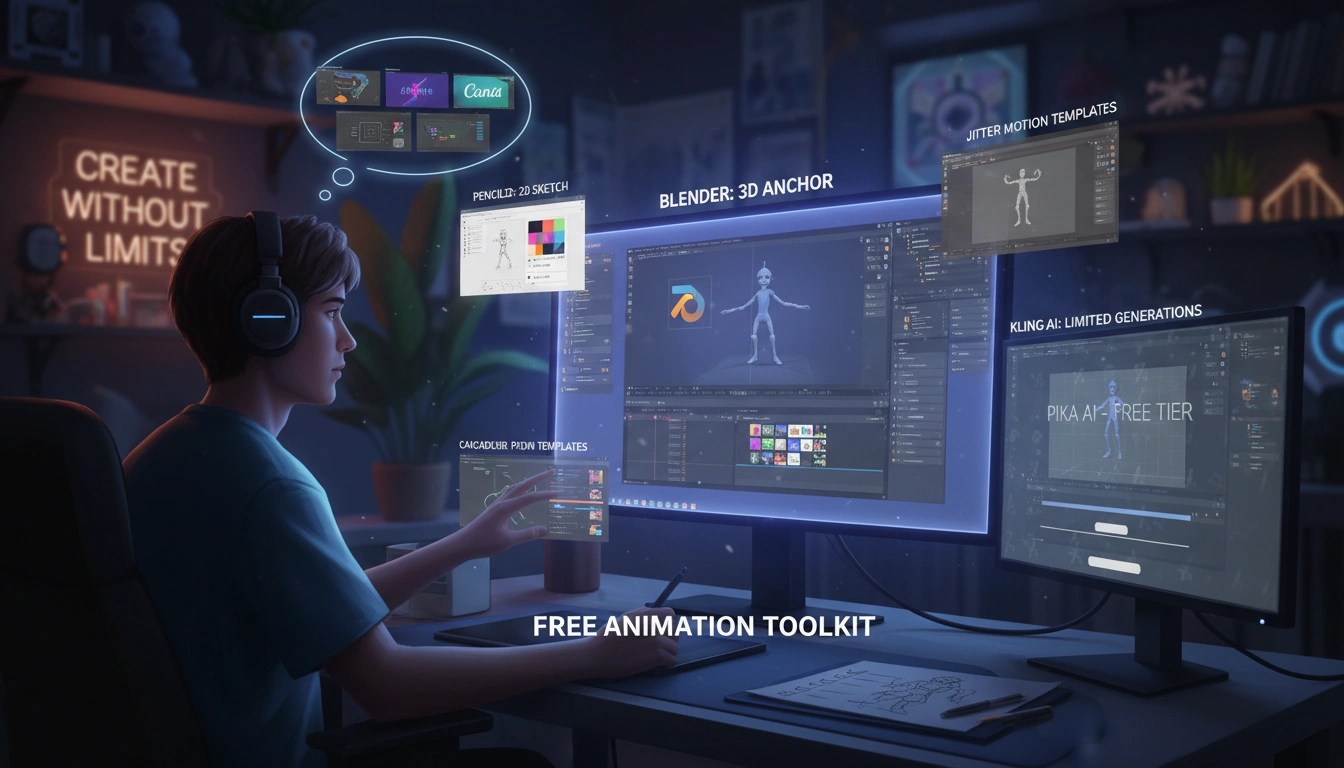
Top free ai animation tools 2026 :If you’re a content creator or an aspiring animator watching your cash flow. You’ve probably wondered whether free AI animation tools can actually produce something you’d be proud to publish. In reality, indeed, there’re more options than ever, but the gap between what’s advertised as “free” and what actually works without hitting a paywall is still wide.
Which brings up an interesting point. A snappy forum dive hints that creators sour on credit limits. Watermarks faster than they find a tool that handles one clean walk cycle.
That frustration is why I put together this guide. To surface the tools that genuinely give you room to create without draining your wallet.
Top free ai animation tools 2026 :
- Blender remains the strongest free AI animation tool overall for both 2D and 3D work, according to recent 2026 guides and user reports.
- Quick browser-based apps like Canva and Jitter are the fastest free picks for social-first clips, while Pencil2D is the gentlest starting point for total beginners.
- Combining one traditional free animator (like Blender) with a generative AI tool (like Pika or Kling AI) gives you the most value without paying a cent.
Key Point
- Blender is your anchor free tool for full-scene control, though expect a learning curve.
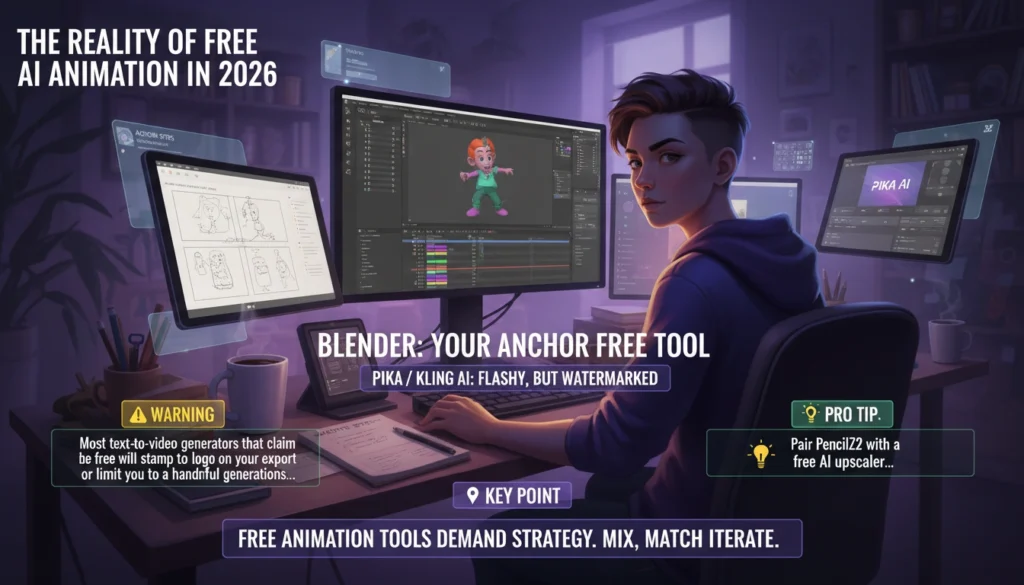
- Generative AI clip tools like Pika and Kling AI offer flashy motion for free, but almost always include watermarks or credit caps.
- The key mistake is expecting one free tool to solve every problem; experienced users layer tools instead.
- Free often means limited, not unlimited, so treat the tools as trial runways before you need a paid plan.
The Reality of Free AI Animation in 2026
The most honest answer you’ll hear is that no free AI animation tool covers everything, but a handful give you enough horsepower to produce impressive clips without spending a dime.
The market has shifted since around 2023: now, browser-based generators and open-source monsters coexist, but each comes with real trade-offs you need to know before you invest time.
What Are AI Animation Tools?
AI animation tools are software applications that use machine learning to generate, improve, or partially automate animated visuals. They range from full creative suites (like Blender with its AI-assisted features) to lightweight generators that turn a text prompt. Or a still image into a short motion clip. In 2026, the line between traditional animation software.
Kind of surprising, right? Generative AI clips has blurred, which can confuse new creators.
The frustration many budget-conscious the majority faces is that “free” in this space often means watermarked, credit-limited, or locked (and rightly so) to a short trial window. Data from recent roundups points to the majority of so-called free generators are freemium rather than actually unlimited. With content restrictions cutting off just when you’re building momentum. Knowing that upfront saves you from the deflating moment of finishing a clip only to find a brand logo slapped across it.
⚠️ Warning
Most text-to-video generators that claim to be free water will stamp a logo on your export or limit you to a handful of generations before nagging you to upgrade.
Why Budget-Conscious Creators Keep Hitting Walls
Here’s the pattern I’ve watched play out; you find a trendy free AI animation generator, generate a few cool four-second clips; and then suddenly you’re out of credits. Exporting the awesome one demands a subscription.
On forums, the complaint is consistent: apps that seem open initially slam the door speedy. This isn’t pretty much always malicious, but it’s the business model. Companies need to pay for GPU hours, wait, let me rephrase, so free tiers act as sampling trays.
Consider this practical perspective. Where does that leave creators who can’t afford to subscribe to five different services? It leaves them piecing together a toolkit: using Blender for core animation, then dipping into Pika.
Or Kling AI for quick prop motion or background flair when the free credits regenerate. Perhaps. That hybrid approach is the secret many seasoned budget animators use, and we’ll walk through how to set it up later.
A No-Nonsense Look at the Top Free AI Animation Tools
After sifting through numerous recent comparisons and hands-on community notes, the free tools that actually hold up in 2026 are Blender, Pencil2D, Canva, Jitter, Plask, Cascadeur, Pika, Kling AI, Minimax, and LeiaPix.
They serve different purposes, so expect to mix and match. Below is a quick-reference table that maps each tool’s sweet spot and its actual free-tier limitations.
| Tool | Best For | Free-Tier Reality | Watermark? |
|---|---|---|---|
| Blender | Full 2D/3D animation | 100% free, open source | No |
| Pencil2D | Hand-drawn 2D beginners | Fully free, simple interface | No |
| Canva | Fast social media clips | Free plan with basic exports, premium assets locked | No on standard exports |
| Jitter | Quick motion graphics and social posts | Free starter plan with limited export quality | No |
| Plask | AI motion capture from video | Free tier with limited upload minutes | No |
| Cascadeur | AI-assisted pose cleanup and physics | Free core features, some advanced exports require license | No on basic exports |
| Pika | Text/image to vibrant short clips | Generous free credit system, standard exports watermarked | Yes on free |
| Kling AI | Realistic physics-simulated motion generation | Free trial access with limited generations and watermarked output | Yes |
| Minimax | High-quality video generation | Limited free credits, watermarked clips | Yes |
| LeiaPix | Depth animation from 2D images | Completely free, no watermark | No |
Blender: The Undisputed Free Heavyweight
“Blender to be the best overall for full 2D and 3D work.” — Phaedra Options
I’ve watched creators who’ve never touched 3D software pick up Blender. And; within a couple of weekends — produce a short looping character animation.
Probably it’s a full creative environment with modeling, rigging, physics simulation, and compositing. The adjustment period is real, but the payoff is complete control.
No watermarks, no credit meters. Just the tool and your patience.
Community add-ons have started integrating AI-assisted features: automatic retopology. Pose estimation, and even style transfer for NPR rendering. That means you can combine conventional keyframe animation with machine-learning helpers inside (and that implies quite a bit) one free package.
Pencil2D: The Gentle Entry Point for Hand-Drawn Animation
Here’s the thing -. If the Blender interface feels like a cockpit, Pencil2D is a pencil and paper. It focuses purely on 2D standard animation. With a clear timeline and layering system.
For storyboarding or learning frame-by-frame principle without distraction, there’s nothing more approachable. And it’s completely free, no strings attached. Making it a favorite among educators and first-time animators, that simplicity.
💡 Pro Tip
Pair Pencil2D with a free AI upscaler later; the sketchy charm holds, but you can polish line art efficiently.
Canva and Jitter: The Speed Demons for Social Content
If your goal is to make a snappy animated Instagram story. Or a LinkedIn explainer, you don’t need a timeline with hundreds of layers. Canva’s animation features are limited but ridiculously fast.
Now, jitter goes a step further, offering motion templates that you can tweak with on-the-spot previews. Both run wholly in the browser. And have free plans that let you export without logos, though premium elements are locked.
Speed here is the trade: you give up frame-level control. But you gain the ability to spit out a polished clip in minutes. For a creator on a budget, that matters when deadlines hit.
Plask and Cascadeur: AI That Moves Your Characters
Still, motion capture used to be the domain of expensive suits and studio rigs. Plask changes that by letting you upload a video of a person moving and automatically mapping the motion to a 3D rig.
Makes you think, doesn’t it? The free tier gives you minutes of upload time each month.
Which is enough to test a few core movements for a character short.
In practical terms, cascadeur, flip side, focuses on cleaning up poses. Its AI physically estimates center of mass and balance, so your character’s jump actually looks plausible. It’s a tool for refinement, not generation. Both are free to use for their core functions, and together they can drastically shorten the time spent on realistic body mechanics.
Pika, Kling AI, and Minimax: Generative Magic With Limits
Pivoting slightly, these are the apps that set the internet buzzing. You type a prompt or feed an image. And within seconds you acquire a short animated clip.
In free mode, Pika offers a credit system that gives you a decent number of tries; Kling AI provides a trial with realistic physics output; Minimax delivers sharp video synthesis. You’ve probably wondered the same thing.
Weird, right? In my go through testing a free run of Kling AI, the first two generations were stunning. But the third hit a watermark wall and the quality — or at least, dipped noticeably when I tried to coax a longer sequence.
It’s worth knowing that that pattern isn’t a bug. It’s the free tier design. Use these for experiments, social media teasers, or to generate reference motion that you can later recreate in Blender. They’re brilliant for creative thinking, but unreliable for consistent final work products.
“Kling AI and Pika offer the highest-quality motion generation for free, though their creations are usually watermarked and free access is limited.” — DataCamp
LeiaPix: Depth Animation Without the Fuss
It’s completely free and surprisingly effective for adding depth to hero images or thumbnails. The output is a MP4 or GIF you can drop into any video editor. No watermarks, no credit system, no sign-up hassle. For creators who need motion but not full character animation, it’s a hidden gem.
How to Build Your Own Free Animation Toolkit
The single most effective move for a budget animator is to stop searching for one tool that does everything and instead assemble a short stack of complementary free apps.
This layered approach gives you flexibility without spending money. Below are the concrete steps I’ve seen work repeatedly.
✅ Action Steps
- Install Blender — It will be your base for character rigging, scene layout, and final export.
- Add Pencil2D for storyboarding — Rough out your sequences in 2D before moving to 3D or complex motion.
- Pick one generative AI clip tool — Choose Pika or Kling AI for quick texture motion or background ambiance snippets.
- Use Plask for mocap tests — Film yourself on a phone, upload, and transfer the motion to your Blender rig.
- Polish poses with Cascadeur — Fix jittery mocap data or refine key poses for realistic weight shifts.
- Finalize social cuts in Canva or Jitter — Import your rendered clips and add text overlays or transitions fast.
In practice, the dynamic changes slightly. This stack costs zero dollars. The main investment is time learning the tools, but the payoff is that you’re no longer at the mercy of a single platform’s freemium gate.
People Also Ask
Is there a truly unlimited free AI animation tool?
Blender and Pencil2D are fully unlimited open-source tools with no credit systems or watermarks.
LeiaPix is also completely free and unrestricted. For generative AI video, however, unlimited free access remains rare due to high compute costs.
Can I use Pika or Kling AI without paying anything?
Yes, both offer free tiers with a limited number of generations, but exports usually include watermarks.
You can use them for prototyping or short social clips, but consistent production will eventually require a paid plan.
What free AI tool is best for 3D character animation?
Blender is the strongest free tool for full 3D character animation, with AI-assisted add-ons expanding its capabilities.
Plask and Cascadeur complement it by adding motion capture and physics-based cleanup at no cost.
Do free AI animation tools work for commercial projects?
Yes, when you use tools like Blender, Pencil2D, or LeiaPix, the output is royalty-free and can be used commercially.
Free generative AI tools often restrict commercial use or watermark exports, so check each tool’s terms before using final renders in client work.
How do free tools compare to paid alternatives like Adobe Animate?
Free tools cover a surprising amount of ground, but paid software often streamlines cross-platform pipelines and offers dedicated support.
With Blender’s AI plugins and free generative apps, you can replicate many paid features, though you’ll trade convenience for a steeper adjustment period.
FAQs
Does Blender require a powerful computer to run?
Blender runs on most modern machines, but complex 3D scenes benefit from a dedicated GPU and at least 16 GB of RAM.
You can adjust viewport settings to keep performance smooth on older hardware.
Why do free generative AI tools add watermarks?
Watermarks protect the platform’s brand and encourage free users to upgrade for clean exports.
It’s a standard freemium strategy that funds the server costs of AI generation.
Can I combine Canva animations with Blender scenes?
Absolutely, you can export your Blender renders as video files and import them into Canva or Jitter for text overlays and motion graphics.
This layered workflow is common among freelance creators.
Are there any hidden fees in tools like Cascadeur?
The core animation and AI pose-cleaning features are free, but certain advanced export formats and commercial licensing options may require payment.
The free version is fully functional for learning and personal projects.
How long does it take to learn Blender well enough to animate?
With consistent daily practice of one to two hours, most users can produce basic animations within two to four weeks. The adjustment period steepens for complex character rigging, but the fundamentals are approachable.
Conclusion: Your Free Animation Strategy for 2026 and Beyond
No single free tool will hand you a polished animated short from a text prompt. But if you think of free AI animation tools like a canvas and palette rather than an all-in-one factory, the creative possibilities open up dramatically.
Now, start by downloading Blender and Pencil2D today. Spend a weekend on hassle-free exercises, and then add one of the generative clip solutions to spark fresh ideas for motion. Looking closer, when you need a break from the complex timeline. Hop into Canva or Jitter and make something shareable in minutes.
The biggest mistake creators make is waiting for the “perfect free tool” to appear. It won’t. The one you build from these pieces?
That’s ready right now.
📌 Key Point
Free animation tools in 2026 demand that you be strategic, not passive. Mix, match, and iterate, and you’ll outperform creators who rely on a single paid app.
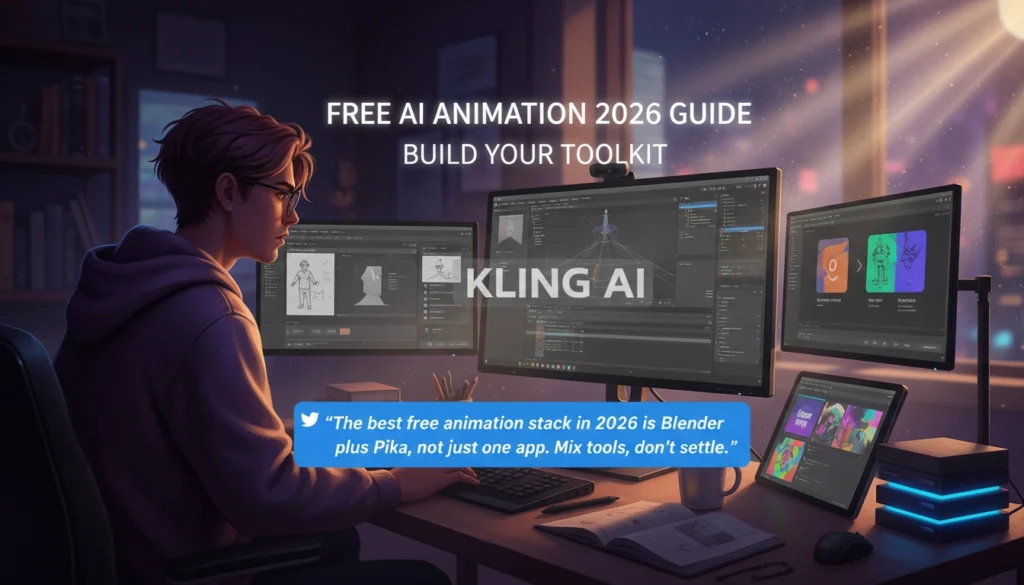
“The best free animation stack in 2026 is Blender plus Pika, not just one app. Mix tools, don’t settle.”
🔍 Research Sources
Verified high-authority references used for this article