

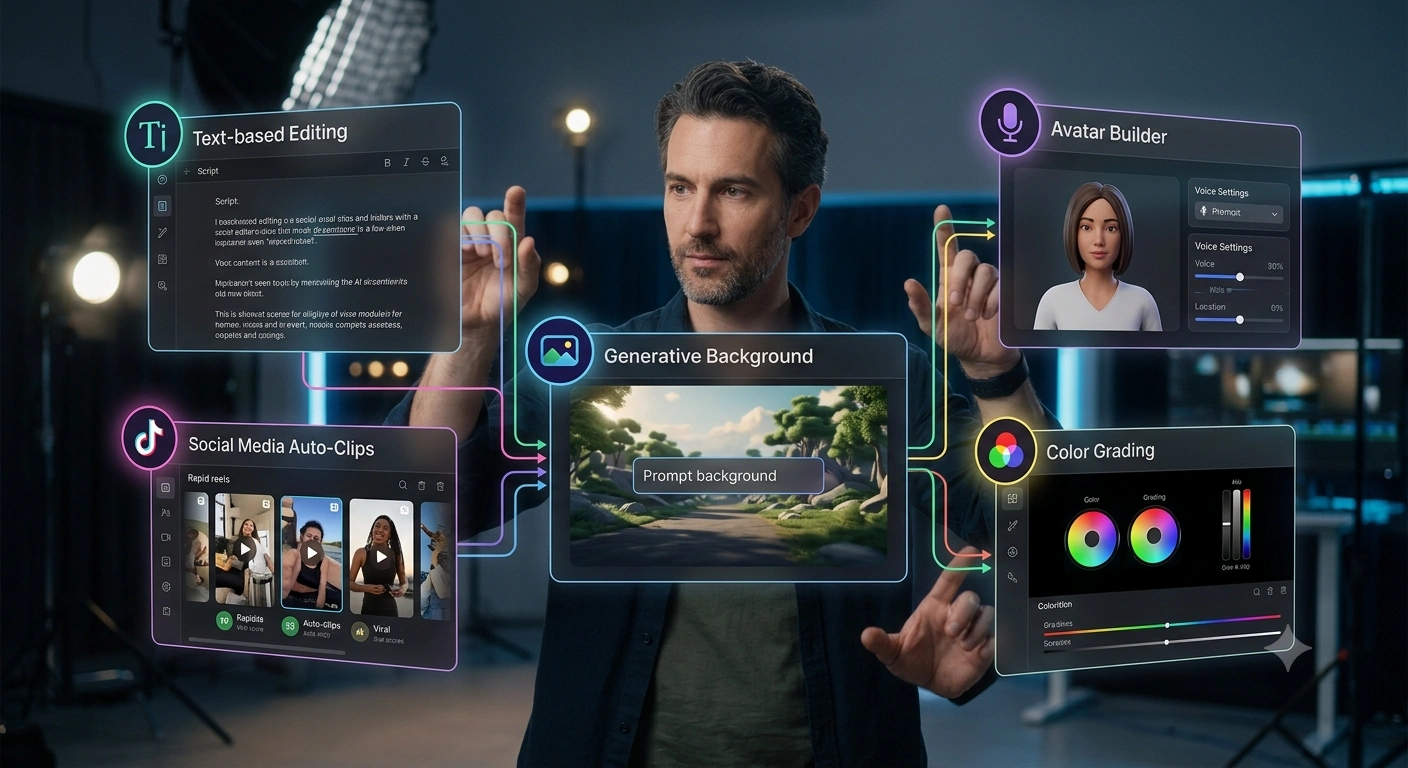
Ai tools for video editing 2026 : If you spend hours scrubbing timelines, hunting for the perfect clip. Or wrestling with captions, you’ve probably wondered whether AI can truly help. In general, lots of editors are skeptical, and rightfully so. Tools promise the moon and often deliver something closer to a muddy puddle.
In 2026, the conversation has shifted. It’s less about robotic perfection and more about chipping away at the truly painful, repetitive work. That’s where AI starts to earn its place.
AI tools for video editing 2026:
- AI tools for video editing in 2026 are best seen as workflow accelerators, handling repetitive tasks like clip extraction, silence removal, and caption generation, not replacing creative judgment.
- The most practical tools cluster around transcription-based editing (Descript), auto-clipping for short-form (OpusClip, Reap), and generative visual work (Runway), with DaVinci Resolve holding the free professional ground.
- The single biggest mistake editors make is expecting one tool to do everything; the current market fragments tasks, so you’ll likely need two or three specialized tools working together.
Key Point
- Time savings come from transcript-driven cuts: If your content is dialogue-heavy, deleting text instead of dragging clips can halve your rough-cut time.
- Short-form repurposing is no longer a creative bottleneck: Tools that find highlight moments and resize automatically cover the bulk of the grunt work.
- Free doesn’t mean limited: DaVinci Resolve remains the heavyweight option at zero cost, making it a solid entry point for anyone skeptical about AI subscriptions.
- Generative effects are still a mixed bag; the assets often need manual polish for pacing and brand style, so treat them as starting points, not final frames.
What Are AI Tools for Video Editing in 2026?
Ai tools for video editing 2026 : Simply put, these are software platforms that use machine learning to automate. Or assist parts of the editing process. In 2026, the category covers everything from simple caption generators to engines that can create entire background scenes from text prompts. That’s a significant gap.
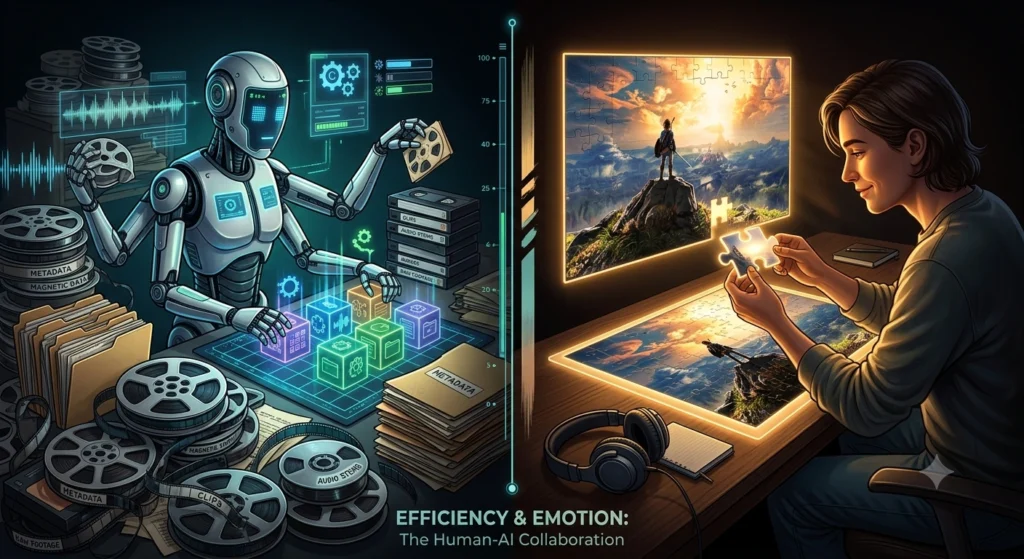
They don’t replace an editor’s eye. They shift the job from manual pixel-pushing to higher-level story and structure decisions. The core idea is to speed up the mechanical work so you can spend more time on the parts only a human can judge—pacing, emotion, narrative rhythm.
The rough definition helps. But you really need to see these what you’ve as existing along a range. On one end, you’ve transcript editors like Descript, which treat video as text. A striking point.
Delete a word, and the timeline updates. On the other end. You’ve generative suites like Runway that can inpaint, restyle, or extend a clip.
In between sit auto-clippers, avatar builders, and smart reframers. The common thread is that they all attack the repetitive. Low-creativity tasks that eat up most of a working editor’s morning.
Marketers and content creators who publish across TikTok, Reels, Shorts. And LinkedIn often find the highest value in tools that repurpose long-form video.
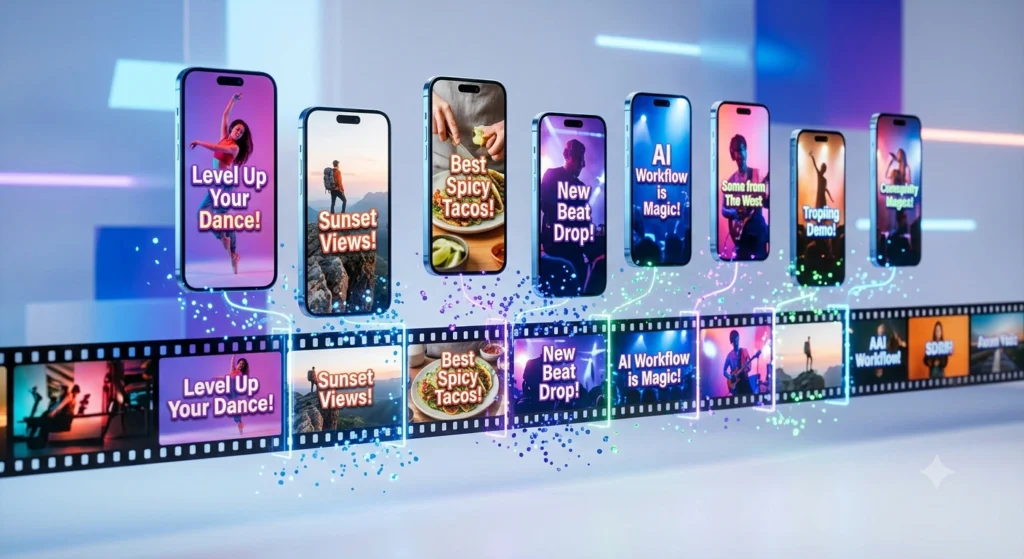
Pulling out 15- and 30-second clips used to be a manual nightmare, which is why now, platforms like OpusClip and Reap can score individual moments for virality and produce ready-to-publish snippets in minutes. That changes the picture quite a bit. That’s not a minor convenience.
It basically changes how a team allocates its editing hours.
How AI Tools Actually Speed Up Editing Workflows
Ai tools for video editing 2026 : The real battleground is the rough cut. Ask any editor what drains their soul.
And they’ll mention scrubbing through hours of interview footage to find the usable bits. AI attacks that problem from two directions: transcription and content analysis, which means a transcript-based editor like Descript lets you highlight and delete filler words, false starts, and off-topic tangents head-on from the text. On average, pixflow described Descript as “the most efficient starting point” for dialogue-heavy projects. And that matches what a good amount of working editors are saying.
Then there’s automatic clip extraction. OpusClip, Consider this, uses AI to detect interesting moments, based on visual changes. Speech cadence, even emotional tone, and packages them into formatted shorts. You get a batch of vertical.
Captioned clips suitable for social platforms without ever touching a timeline. The time savings aren’t trivial; tons of creators report reducing a three-hour podcast repurposing session to about twenty minutes of review and light tweaking. However, nuance is required here.
55;\”>If you’re drowning in interview footage, start with a transcript editor before even opening a traditional timeline. \\ But this is just one piece of the puzzle.
How does transcript-based editing actually save time?
Shifting gears a bit, it removes the need to locate exact in and out points manually. When you see a sentence in the transcript that doesn’t belong. You delete it, and the corresponding video segment disappears.
This turns editing into a reading. And selection task rather than a precision scrubbing task. For dialogue-heavy content like interviews, podcasts, and webinars, the increase in speed is dramatic mostly since you no longer toggle between a script and a timeline.
There’s a catch. The text representation can’t convey all the nuance of delivery. You still need to watch for awkward cuts and adjust rhythm by ear. Keep that in mind.
So it’s a dramatic compression of the rough-cut phase, not a magic bullet.
The Real Bottlenecks AI Solves (and Where It Falls Short)
You probably already know the big wins. Captions, silence removal, auto-reframing for different aspect ratios. Those have become table stakes.
The more interesting conversation in 2026 is about what AI can. That’s not a small shift. And can’t do for creative storytelling.
On the positive side, generative apps like Runway. And Magic Hour open doors that were previously locked behind heavy VFX budgets.
Need a background for a talking-head shot but didn’t have a studio? You can generate one. Need to remove a distracting object from a 20-minute video?
That used to require frame-by-frame masking; now it’s a click and a wait.
Still, the industry consensus, echoed in recent creator roundups and tool reviews, is that AI-generated assets still need a human pass for pacing and brand alignment. If you drop an AI-generated background into a corporate video. More importantly, it might look great in isolation but jarring when cut next to stock footage or original shots. The tools are improving, but the last 10% of polish remains stubbornly manual.
\
\
Treating AI-generated clips or backgrounds as final-ready assets is a common trap. Surprising, not really.
Another bottleneck that AI handles well is asset sourcing. Avator tools like HeyGen let you generate talking-head videos without a camera. Which is a godsend for marketing training content that doesn’t require a human presenter’s nuance.
A major factor. It reduces shooting overhead dramatically. Yet the result can feel uncanny.
If the audience expects genuine human expression. It’s a trade-off: speed and expandability against authenticity.
What’s the real limit of AI in narrative editing?
In many cases, it can identify a fast-paced segment, but it doesn’t know you need a two-second pause before a punchline to land. It can cut a highlight reel, but it won’t sense, or rather, that the emotional arc of the piece demands a slower build. Editors who treat AI output as a first draft. Not a final cut, get the best results.
Common Misconceptions About AI Video Editors
Let me clear up a few things that get repeated in quite a bit of marketing copy. First, the idea that one tool can replace your entire editing stack. That’s just not true in 2026. The data speaks for itself.
Some platforms are excellent at clipping, others at transcription, others at generation. You’ll almost certainly need more than one; this fragmentation can be frustrating, but it’s the reality of a market that’s still maturing.
Naturally, Another angle, the myth of full automation. Looking closer, plenty of editors assume that pressing a “generate highlights” button will produce a ready-to-upload Reel. In practice, you’ll spend time reviewing, rearranging, and tweaking, and the AI picks candidates; you make the editorial decisions. It’s like a wildly snappy junior assistant, not an autonomous director.
Third, the cost misconception. In reality, there’s a belief that powerful AI tools are expensive. From what we can tell, what this means is according to Pixflow, DaVinci Resolve remains the most capable free professional editing tool available, period, which is why so you can start experimenting with AI features without spending a dime.
\
\
No single AI tool covers every editing task well. No question about it. Instead, map your workflow bottlenecks—clipping, transcription, asset generation, and choose specialized resources for each. \
\
Though practical limits do exist.Ai tools for video editing 2026
Are AI video editors a threat to professional jobs?
Not in the way the majority feared a couple of years ago. As it turns out, they lift the role of the editor from manual assembly to creative oversight. The skillset shifts toward curation and story sense rather than repetitive cutting. Editors who adopt AI as a productivity lever can handle more projects.
And deliver faster without burning out.
Practical Ways to Integrate AI Tools in 2026
Getting started doesn’t require burning down your current workflow. Actually, let me refine that.
Trying to overhaul everything at once is a recipe for frustration. Instead, pick one task that you dread and experiment there, and if you hate captioning, CapCut’s auto-caption feature is a low-risk entry point.
It’s free, and the manual corrections are minimal.
If you produce a weekly podcast. Attempt running your episode through OpusClip to generate a batch (at least in many practical scenarios) of social clips. See how much time you save.
Then, for any interview or talking-head project. Give Descript a shot for the rough cut. You’ll likely find that the transcript-plus-scrub combination feels more natural after a few uses.
You might wonder about the learning curve. Most of these apps are designed for speed, not depth — descript’s interface is literally a document; you already know how to edit text. The generative tools have steeper learning curves due to the fact that you need to — okay, more accurately, figure out prompt crafting and inpainting logic, but even they offer guided tutorials.
The real shift is mental: trusting a machine to make a first pass. It’s uncomfortable at first. You’ll second-guess it, and you should. More data needed.
But after you see the time savings on a few projects, you’ll start to treat these tools as a standard part of your kit.
\
\
\”The best AI tool for video editing is the one that removes your most painful bottleneck, don’t chase features, chase time.\”\
\\\Start with one bottleneck\, pick the worst one.
People Also Ask
Will AI replace human video editors entirely?
No. AI excels at mechanical tasks but lacks narrative intuition and emotional intelligence, editors shift toward creative direction and quality (which is a critical factor) control rather than being replaced. The volume of content demand actually increases the need for skilled human oversight.
How do I choose which AI video editing tool to start with?
Identify your most time-consuming, repetitive task. If you edit dialogue, start with Descript. If you repurpose long videos for social, try OpusClip.
For free professional features, download DaVinci Resolve. Now, match the tool to the bottleneck, not to the hype.
What’s the biggest mistake people make with AI video tools?
Expecting the AI to produce a finished, publish-ready video. The output almost always calls for human polish for pacing, tone. Treat it as a snappy first draft. And you’ll avoid disappointment.
Are free AI video editing tools powerful enough for professional work?
Ai tools for video editing 2026 ; DaVinci Resolve 19 proves they can be. That’s a significant gap.
Try it out. Its free version includes advanced AI features for color grading. Object removal, and audio work. Especially when starting out, for plenty of professional pipelines.
The free apps are more than adequate.
How are AI tools handling short-form repurposing in 2026?
Tools like OpusClip and Reap can analyze a long video — identify engaging moments, and automatically build correctly sized, captioned clips. Most creators report needing only light tweaks afterward. Drastically reducing the time from raw footage to social-ready assets. Hold onto this thought.
FAQs
Is Descript still the best option for transcript editing in 2026?
Descript remains the most constantly recommended starting point for dialogue editing because it synchronizes text and video so intuitively. While other tools have added similar features, Descript’s polished interface. And speed keep it ahead for many editors.
Can I use AI tools for client work without them noticing?
They’ll notice faster turnaround times and consistent captions. The key is to almost never ship AI output raw; consistently apply your editorial judgment.
What happens when AI generates a bad clip?
You delete it and move on. The cost of a terrible AI-generated clip is near zero, unlike a poorly shot scene, that’s, okay, more accurately, why experimenting with generative tools feels low-risk; if it doesn’t work, you’ve lost a minute, not an afternoon.
Do I need a powerful computer to run AI video editing tools?
Many of the heavy AI processing happens in the cloud, so even a modest laptop can handle transcript editing or auto-clipping. Generative rendering might require a good internet connection. And some patience, but it rarely demands local GPU power.
Why is the AI editing tool market so fragmented?
Looking at this from another angle, because the tasks themselves are diverse; clipping, transcription, — or, better put, effects, avatars—each demands different AI models and training data. It’s unlikely a single company will dominate all areas soon. So editors who take on a small stack of best-in-breed tools acquire the most done.
Conclusion
At a high level, if you take one thing away from all this, let it be that AI options for video editing in 2026 are not about magic. They’re about use. The technology has matured enough to handle the drudgery—silence removal. Caption syncing, aspect ratio conversions—with minimal supervision.
That frees you to focus on the things that actually in general. The key here is that story, emotion, pacing, and, or, better put, what you choose to leave on the cutting room floor.
You’ve to wrap your head around your own workflow bottlenecks and select tools that directly address those pain points. Maybe it’s Descript for dialogue, OpusClip for social clips. And Runway when you need generative flair.
The fragmented market isn’t elegant, but it’s workable. Of course, actual metrics may shift. This detail matters more than it might seem right now.
Digital content creation is accelerating, and the pressure to produce more. Faster, across more platforms isn’t going anywhere. Editors who resist AI outright will burn out or get left behind. Those who treat it as a skilled assistant will find they can deliver higher volume without sacrificing quality.
The best path forward is to experiment cautiously, keep your critical eye sharp. Never let a machine make the final call on a cut. Trust your taste—AI just saves you the clicking.
🔍 Research Sources
Verified high-authority references used for this article